Week 1 in Technology: Building Skills, Safety, and Creativity from PK–8th Grade
The first week of technology classes set the stage for an exciting year of digital learning, hands‑on creation, and leadership across campus. From our youngest learners in Pre‑K to our seasoned innovators in 8th grade, students jumped into routines, explored new tools, and began developing the confidence and responsibility that define strong digital citizens.
Internet Safety: Our First Priority
Every class began with a strong foundation in internet safety, ensuring students understand how to navigate technology responsibly and respectfully. Across all grade levels, we introduced and practiced:
Digital citizenship — understanding online behavior, kindness, and responsibility
Password safety — creating strong, private passwords
Safe searching — using kid‑friendly search tools and recognizing reliable sources
Personal information protection — knowing what should never be shared online
Device care — proper handling, charging routines, and cleaning protocols
Students practiced real scenarios, learned campus expectations, and reviewed our technology procedures to ensure a safe, productive learning environment.
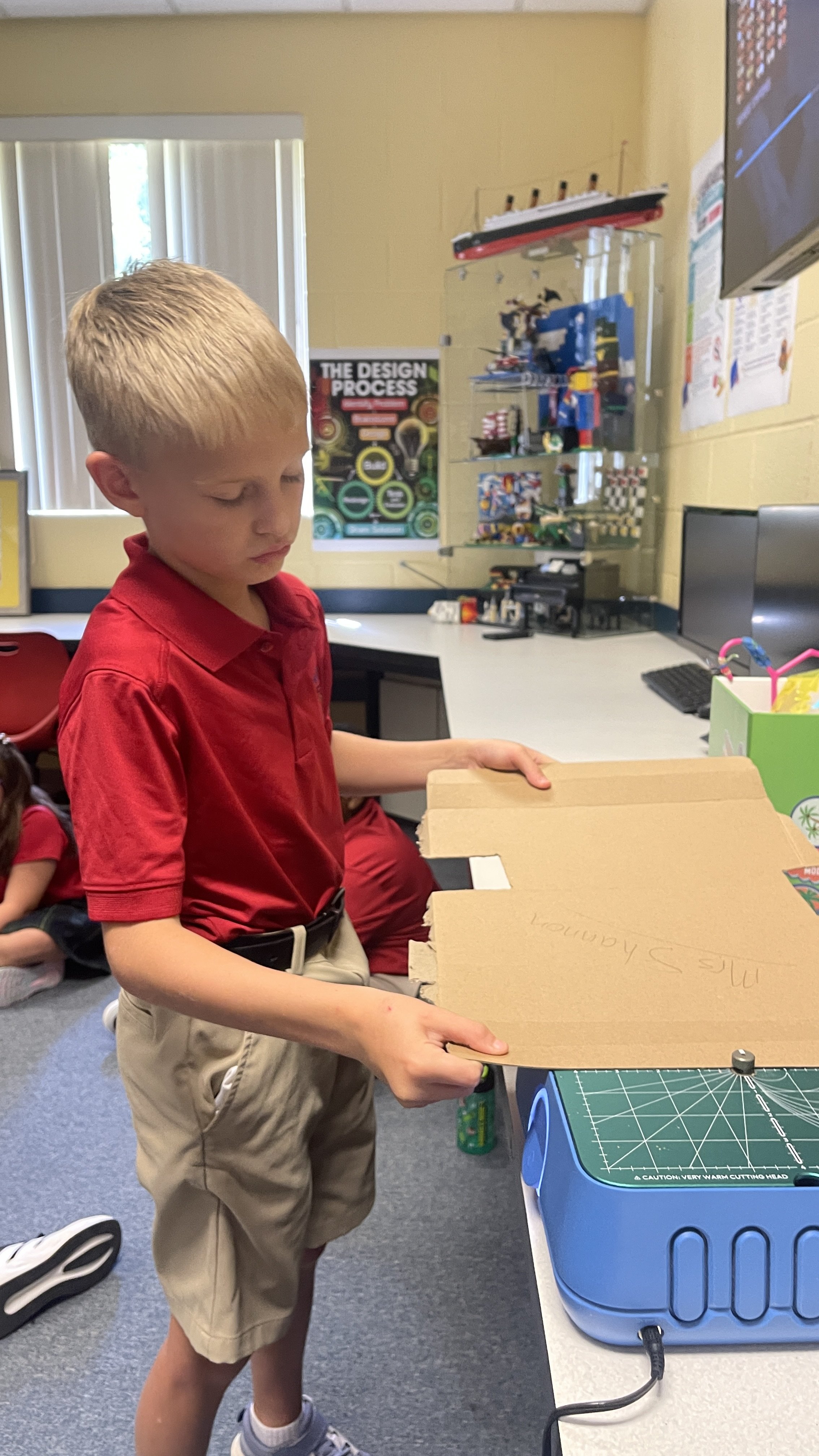
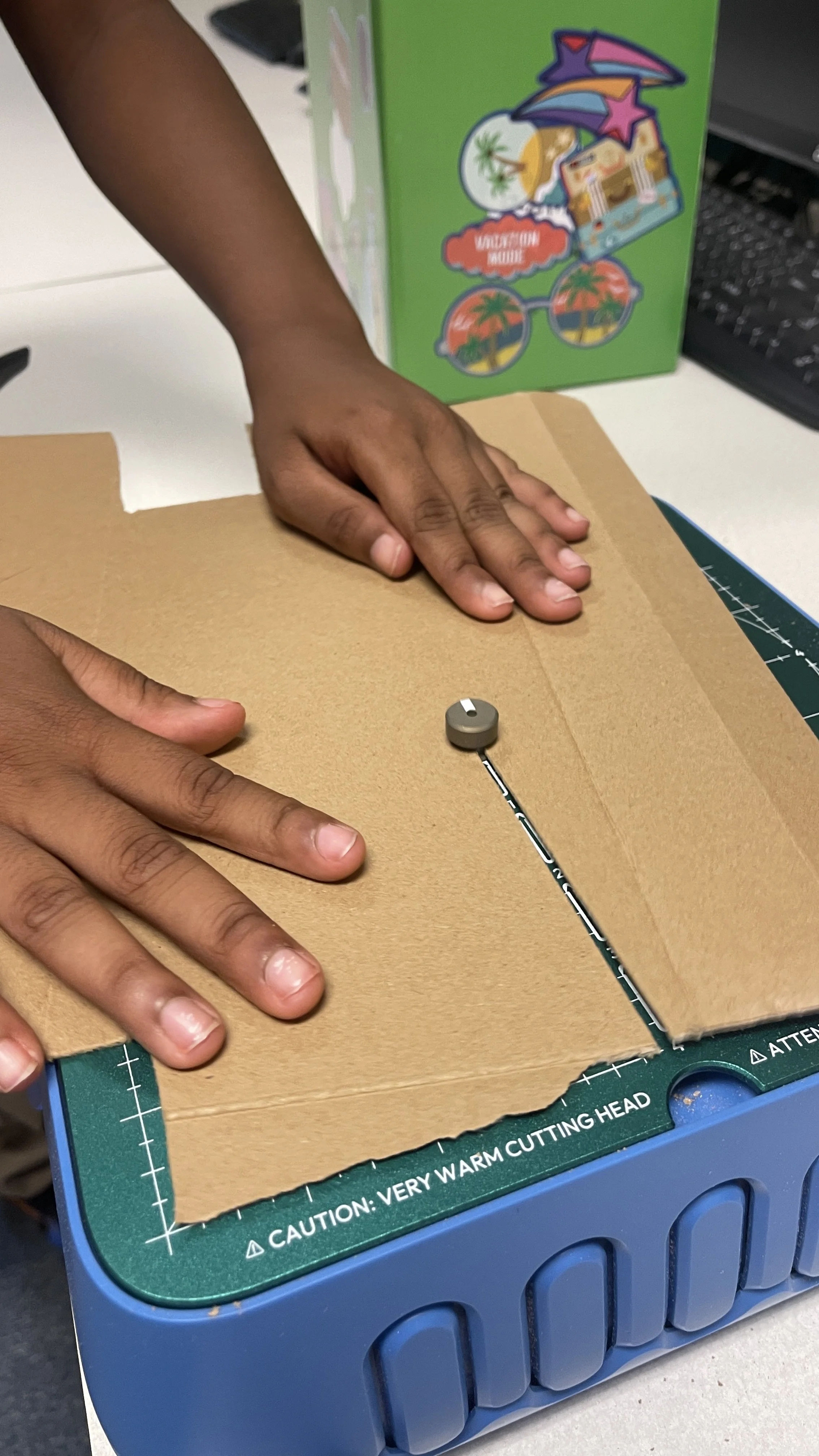
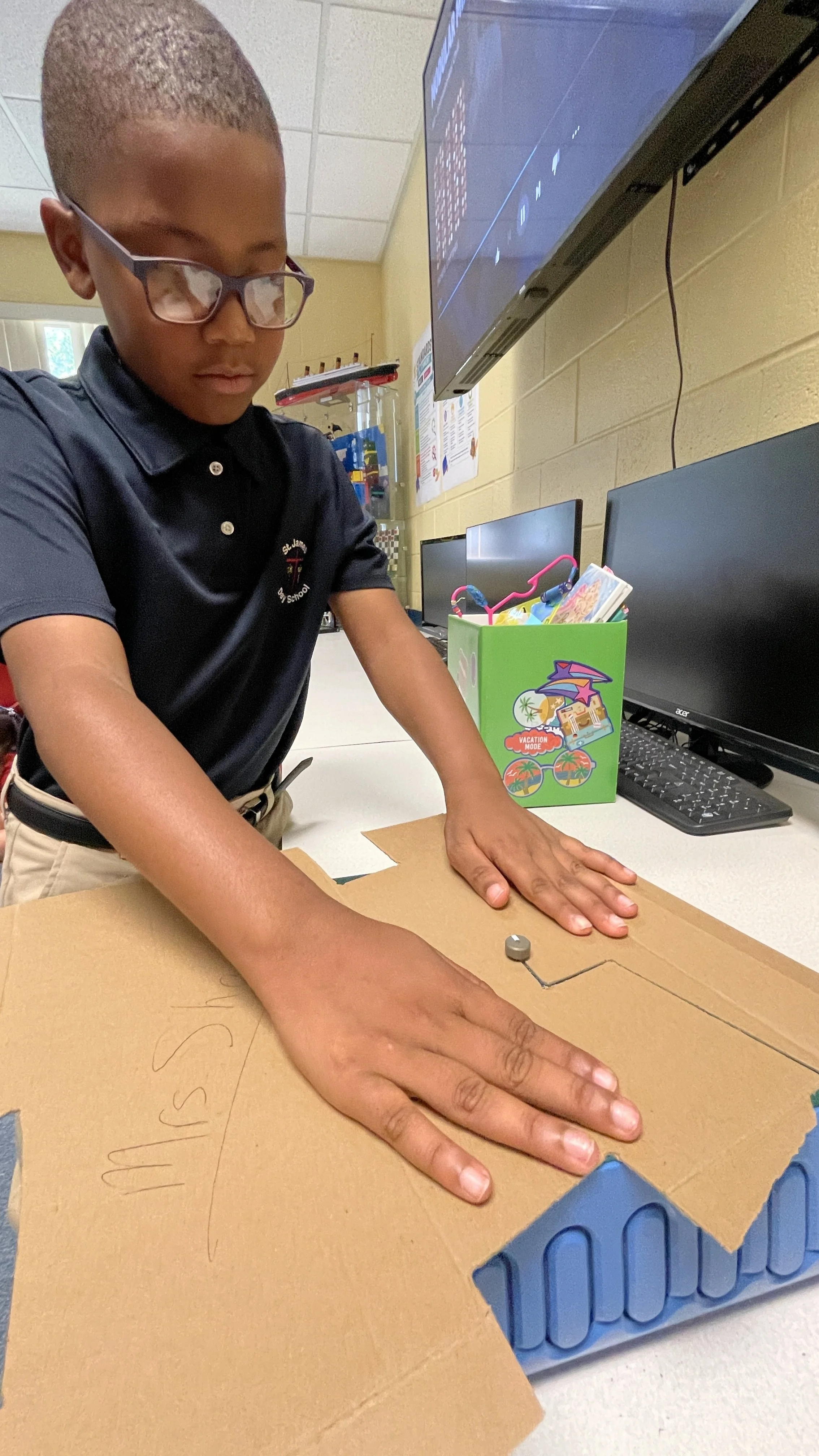
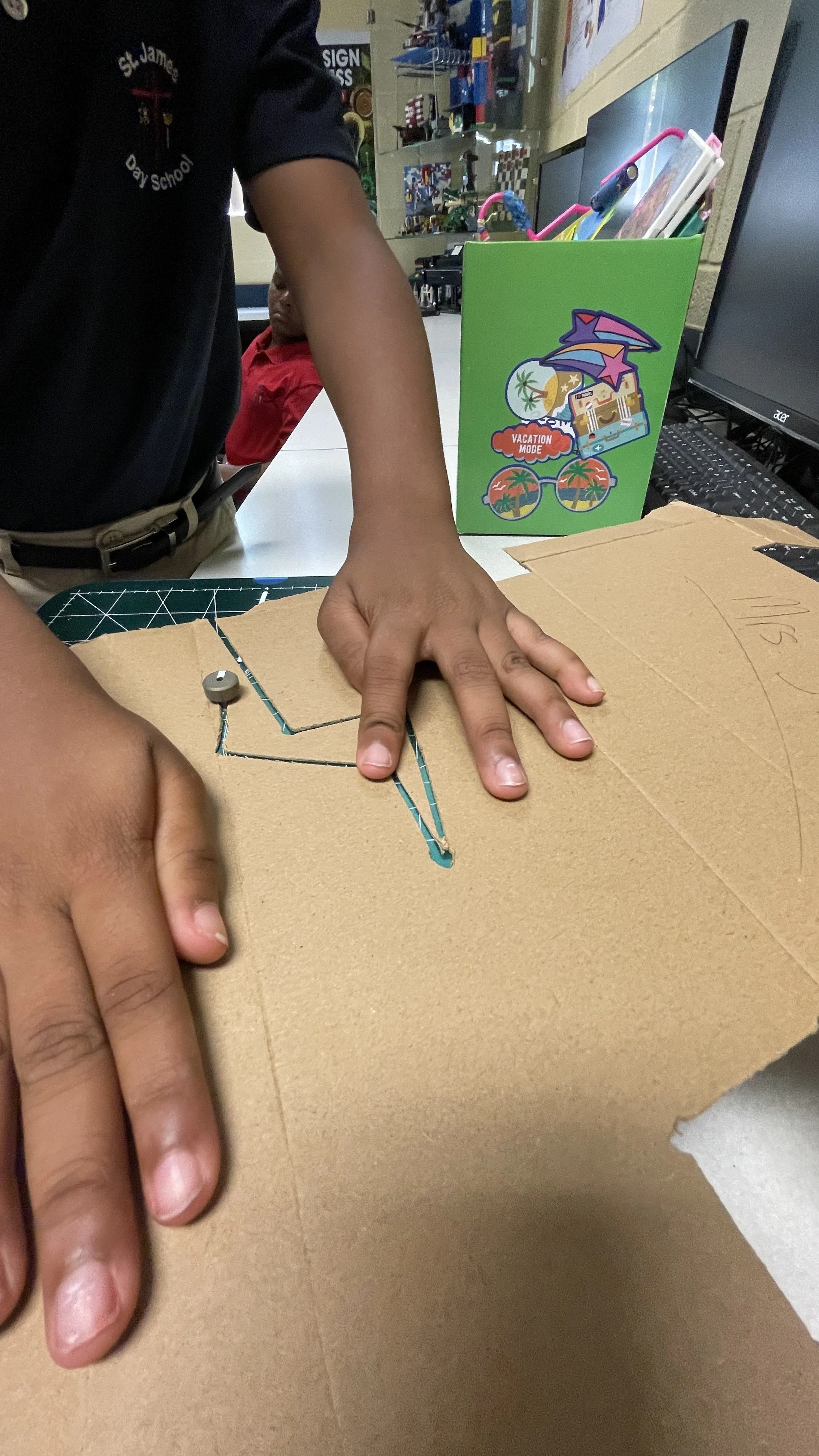
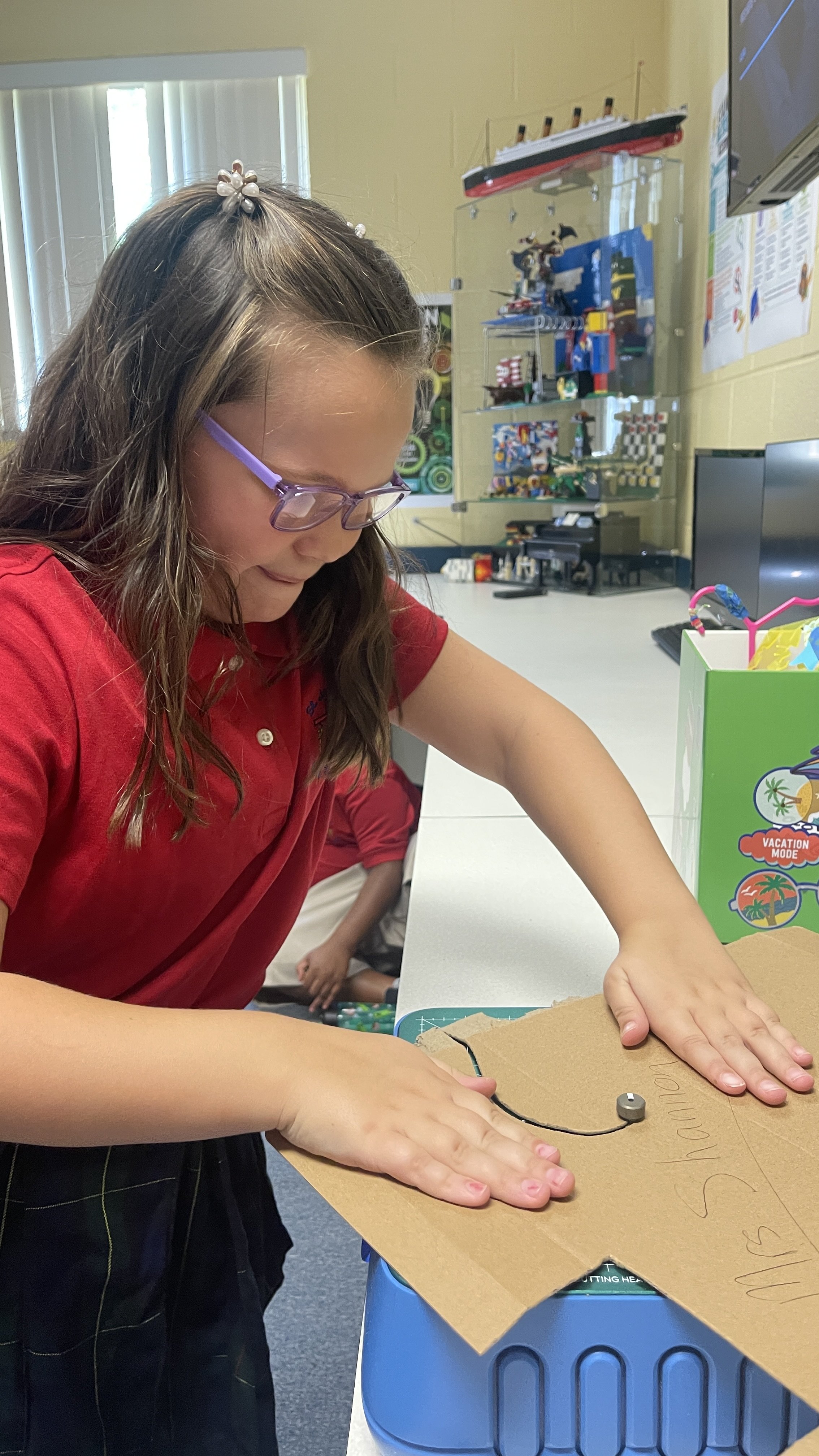
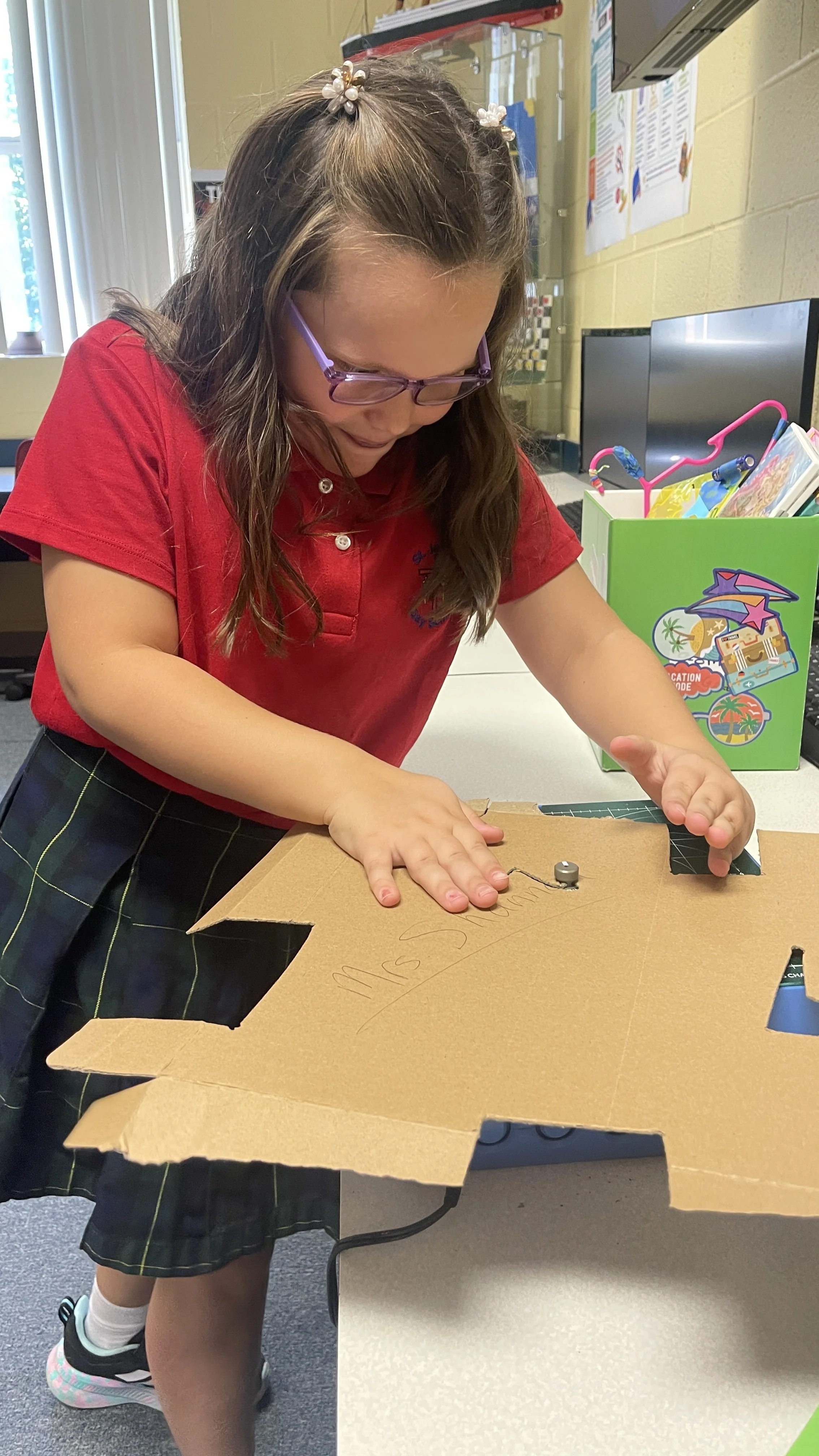
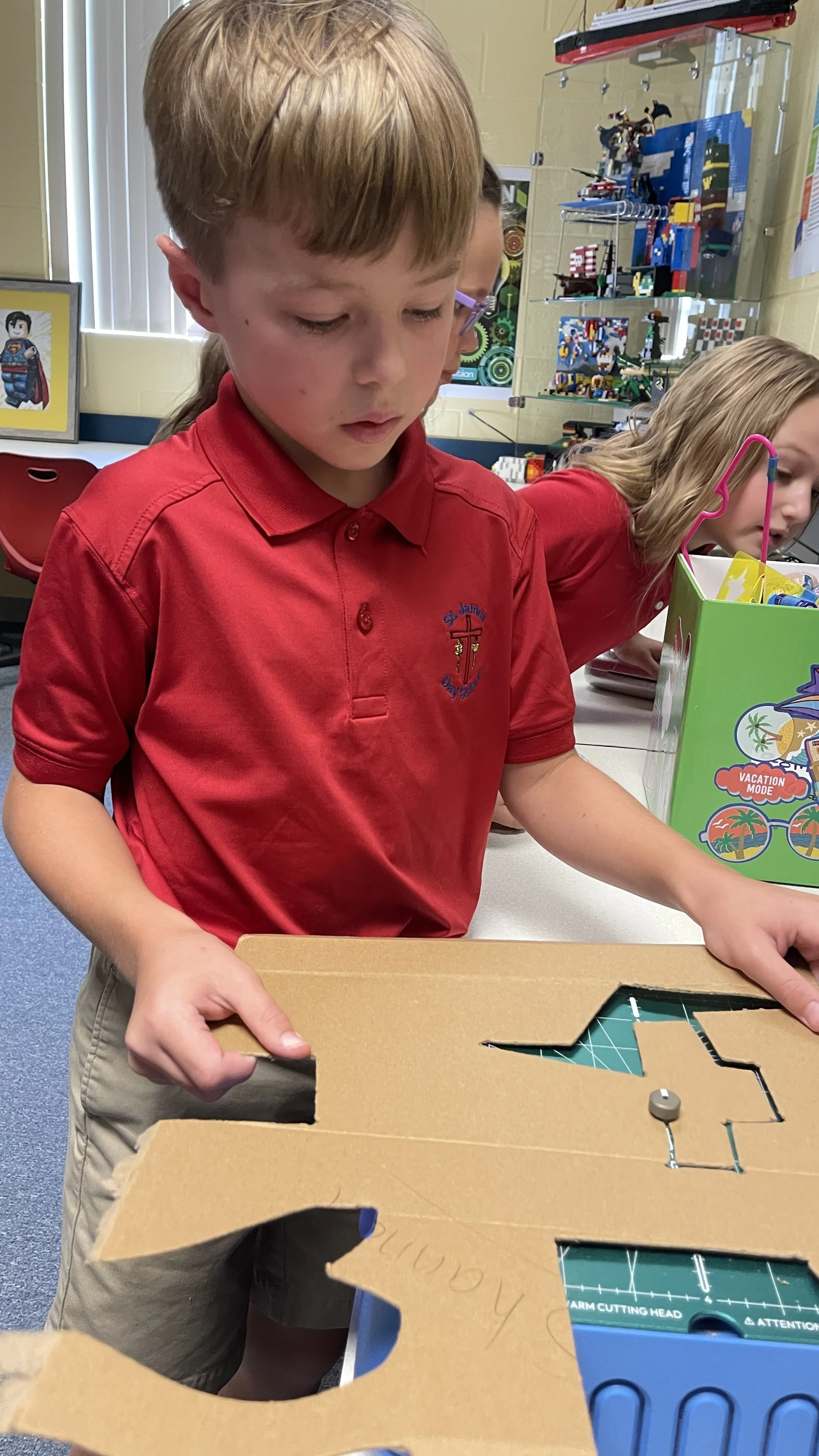
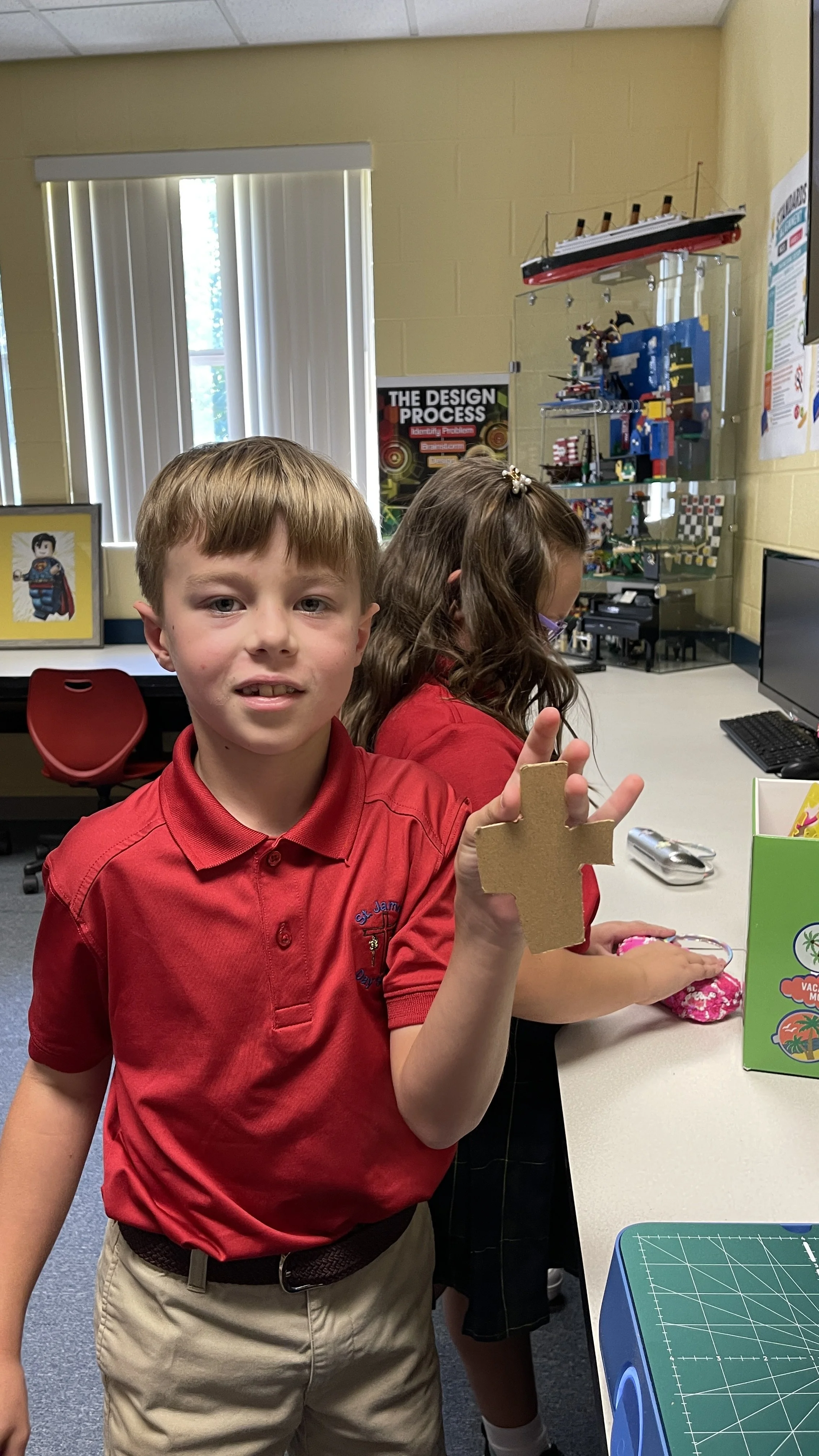
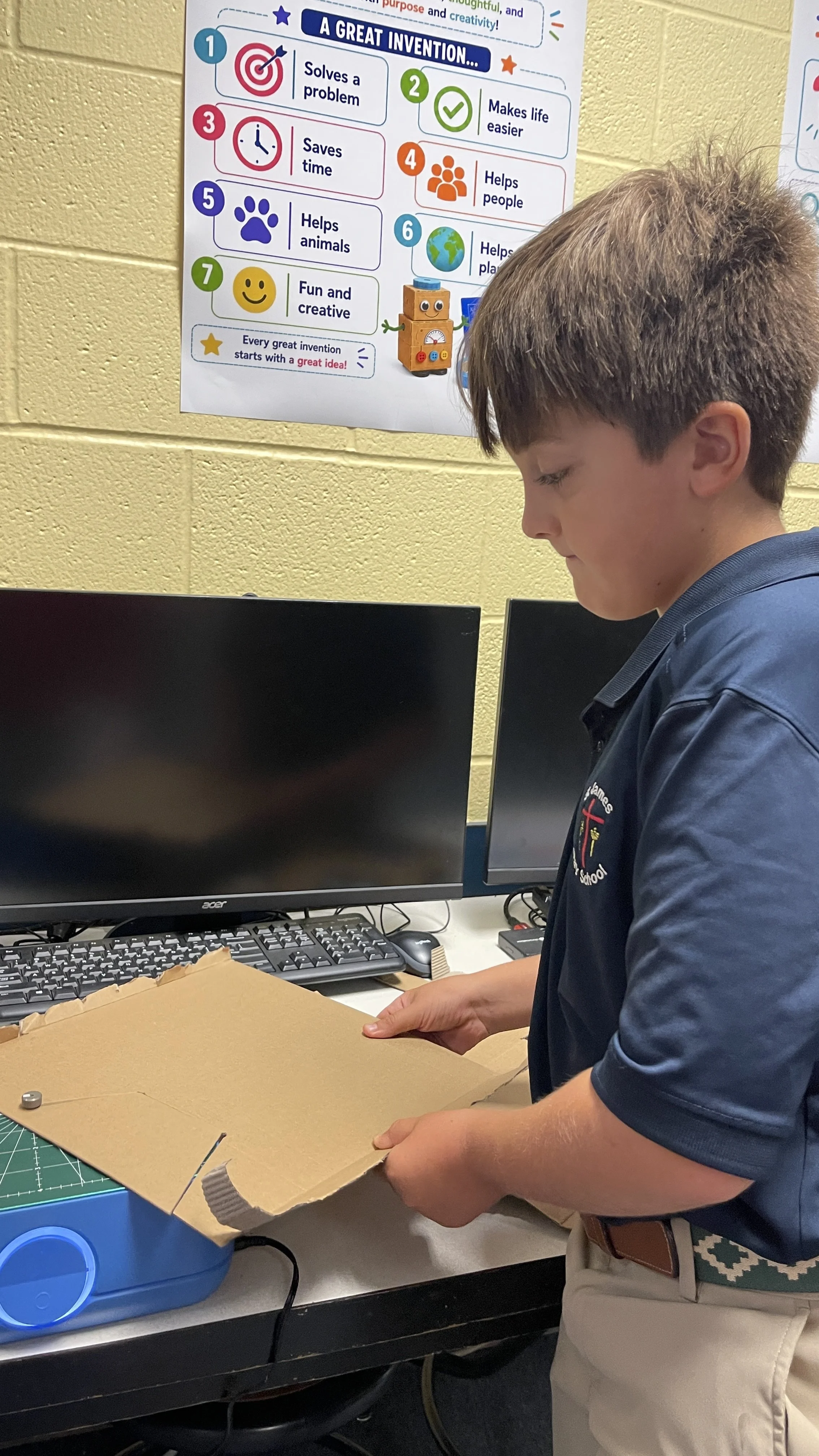
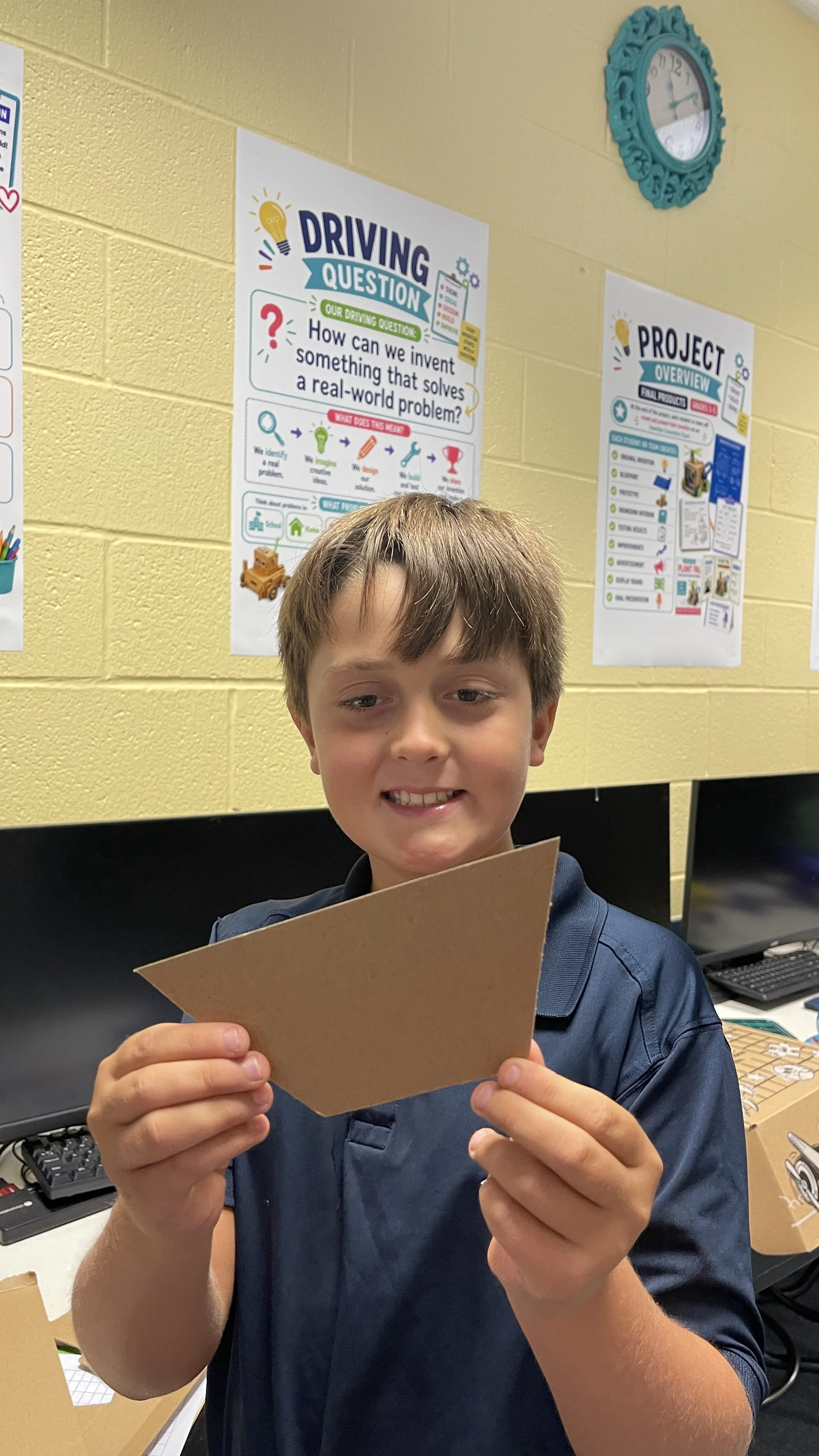
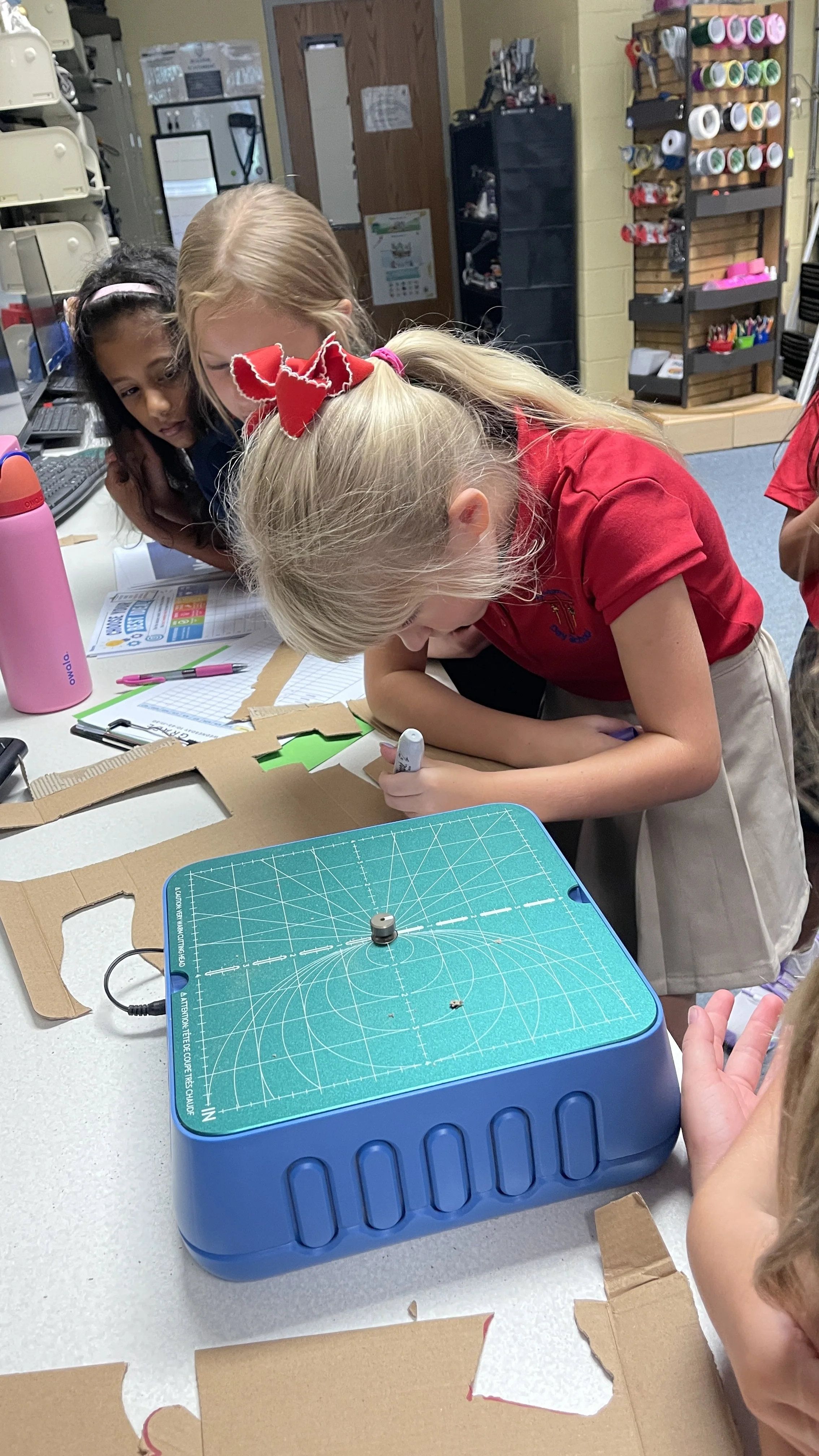
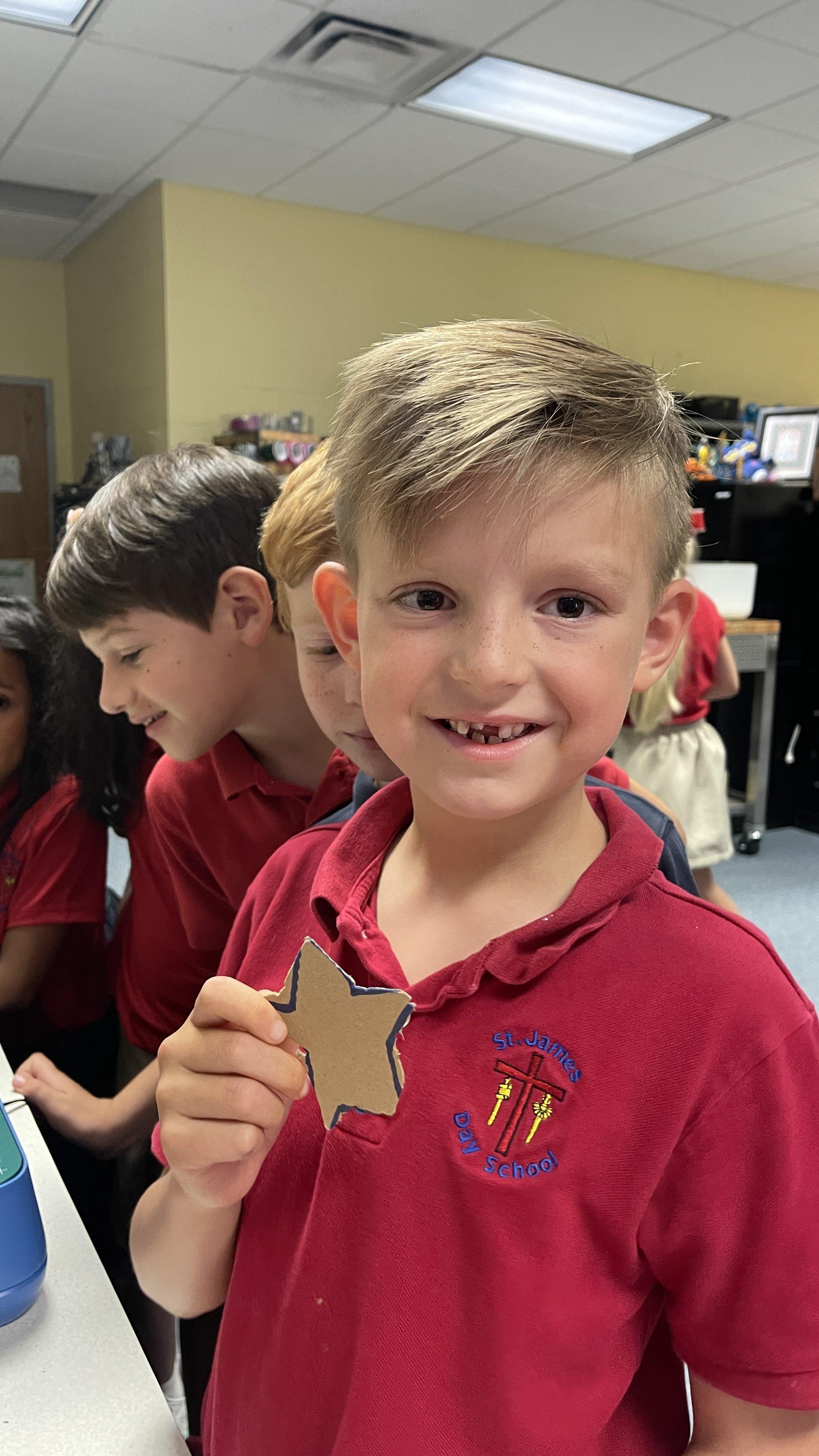
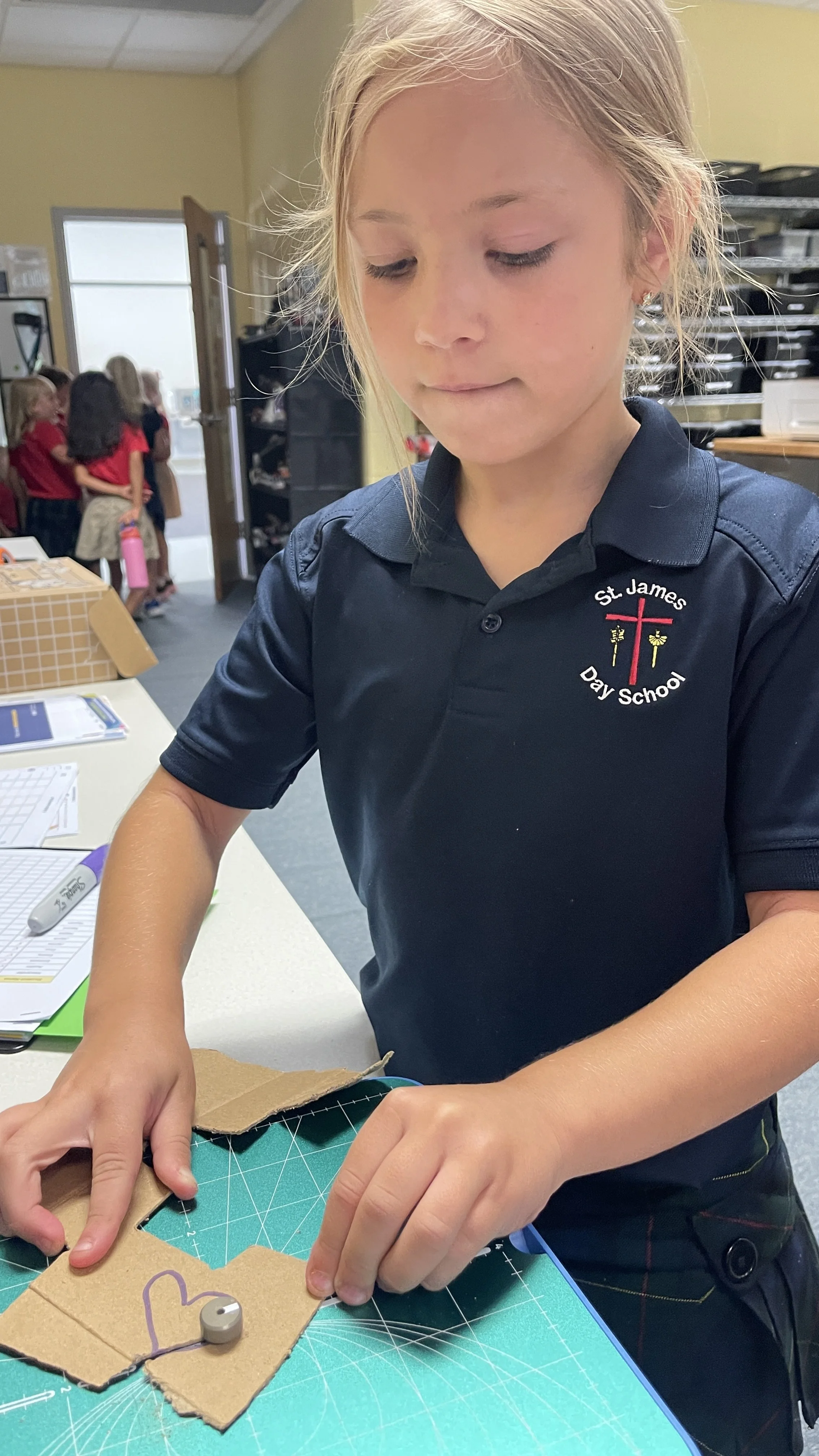
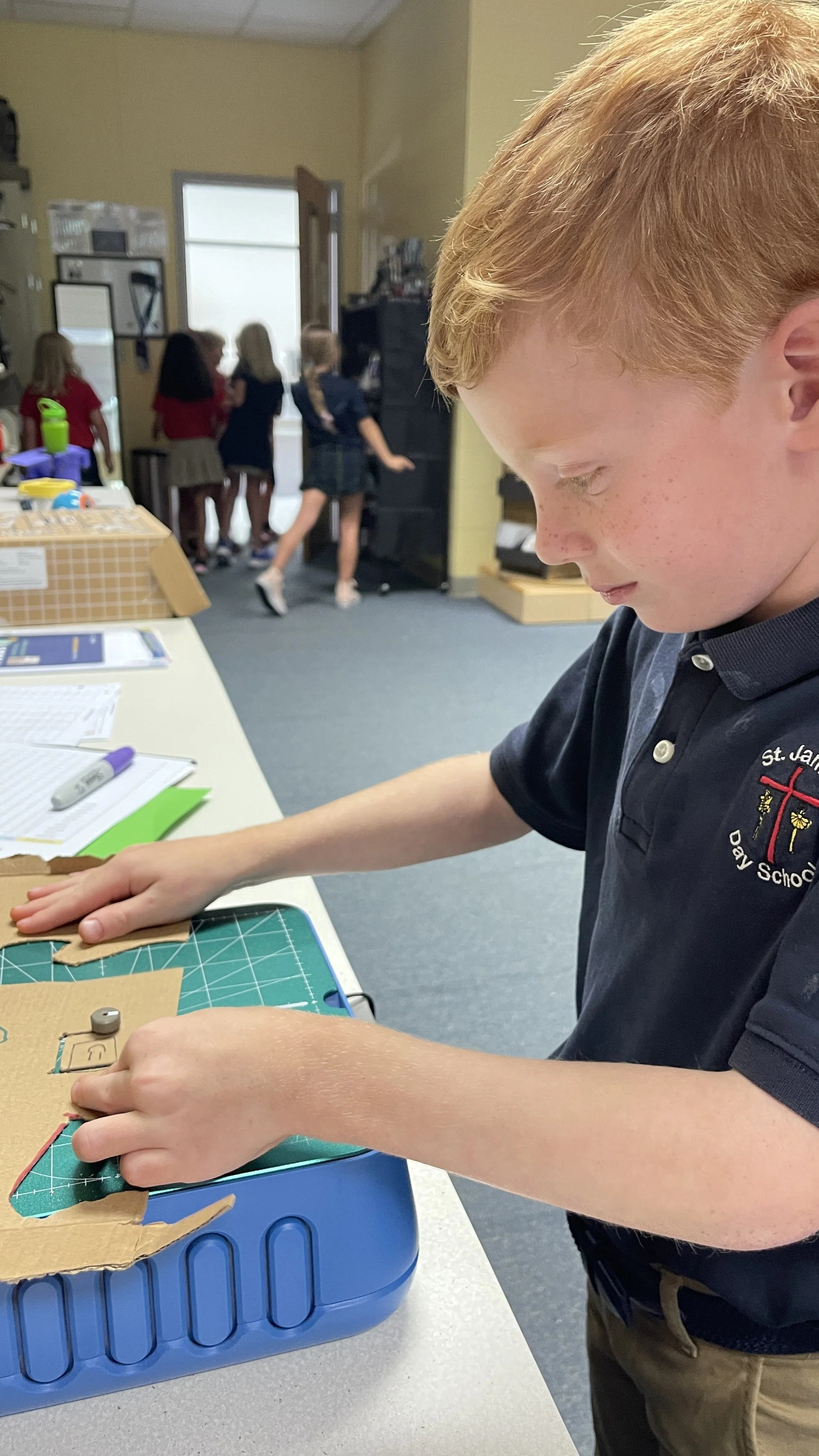
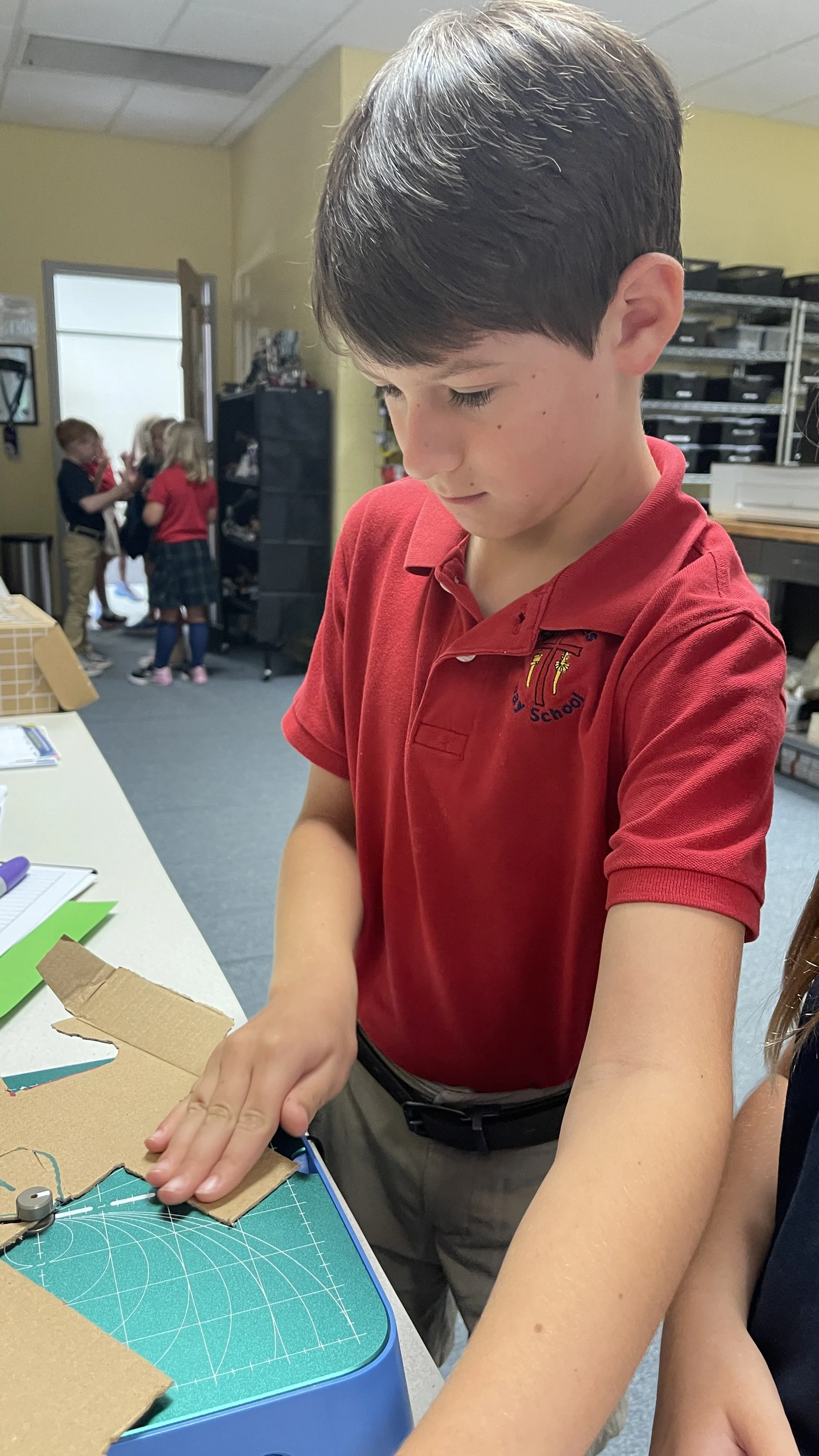
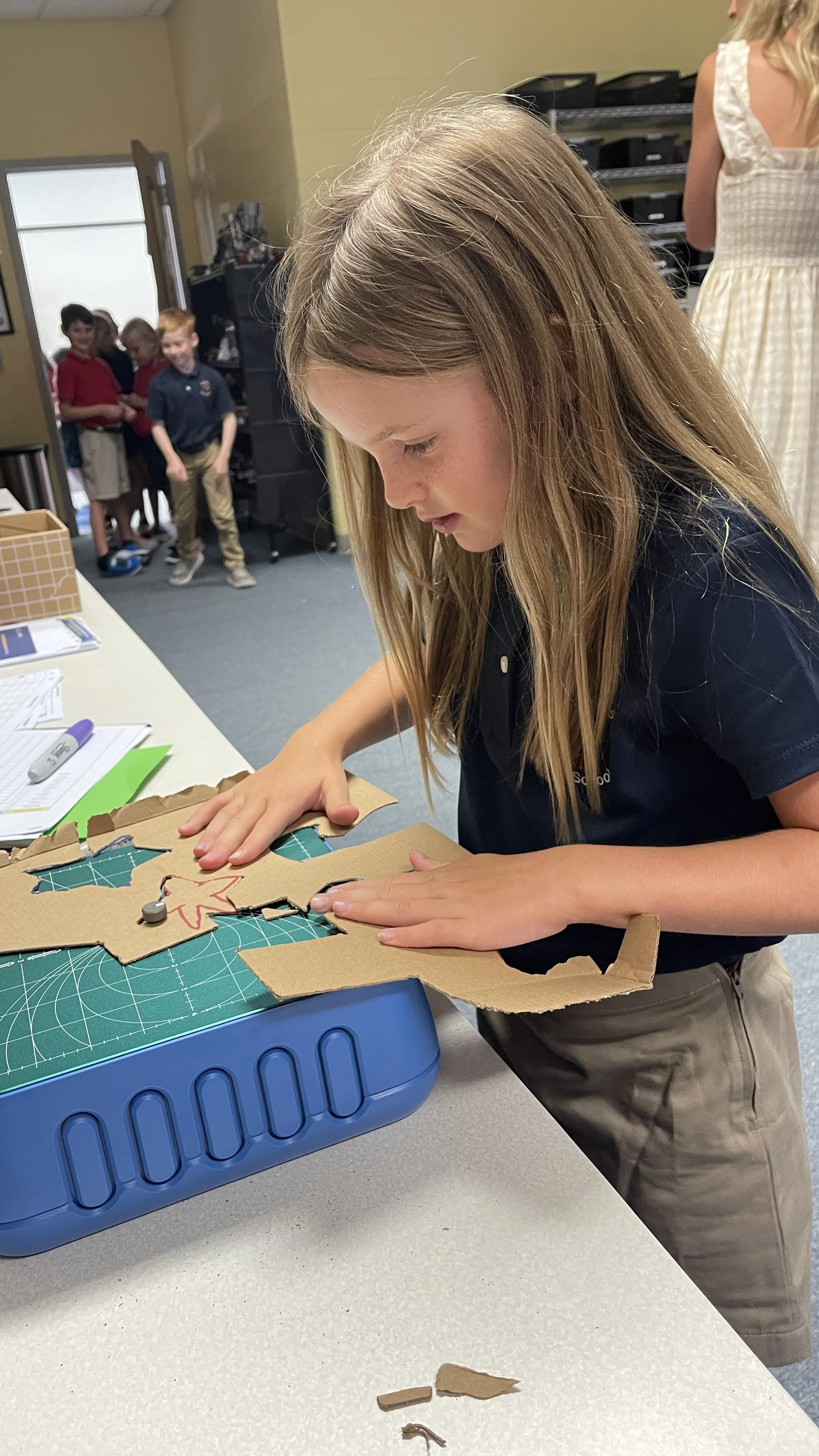
1st–4th Grade: Prototyping with Chompsaw
Students in 1st–4th grade were introduced to Chompsaw, a kid‑friendly prototyping platform that helps young inventors bring ideas to life. They explored:
Design thinking — imagining, planning, and improving
Basic prototyping — building simple models to represent inventions
Creative problem‑solving — turning everyday challenges into design opportunities
Chompsaw empowers students to sketch, build, and test ideas in a safe, guided environment—perfect preparation for invention fairs later in the year.
8th Grade: Becoming Campus Techsperts
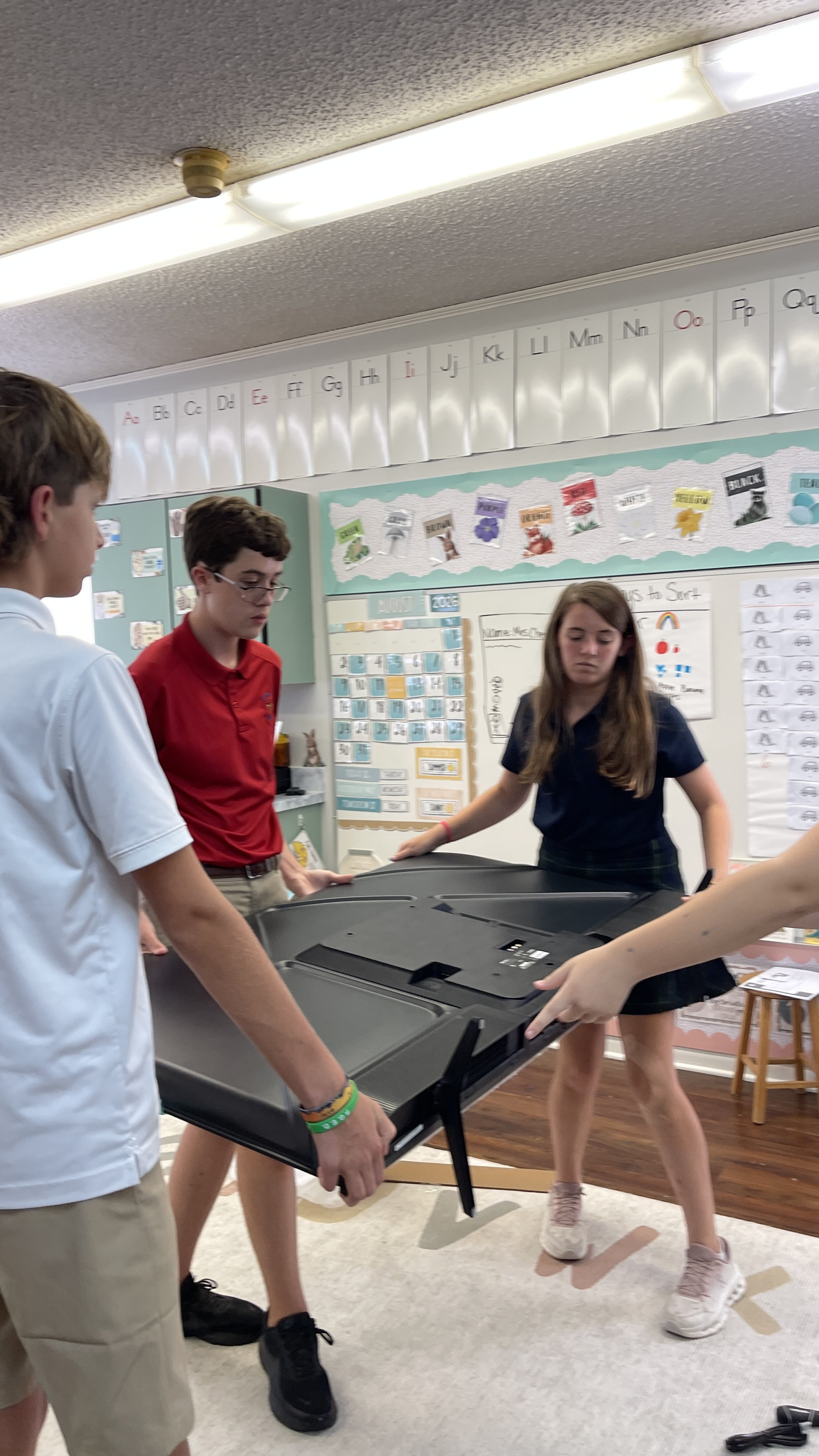
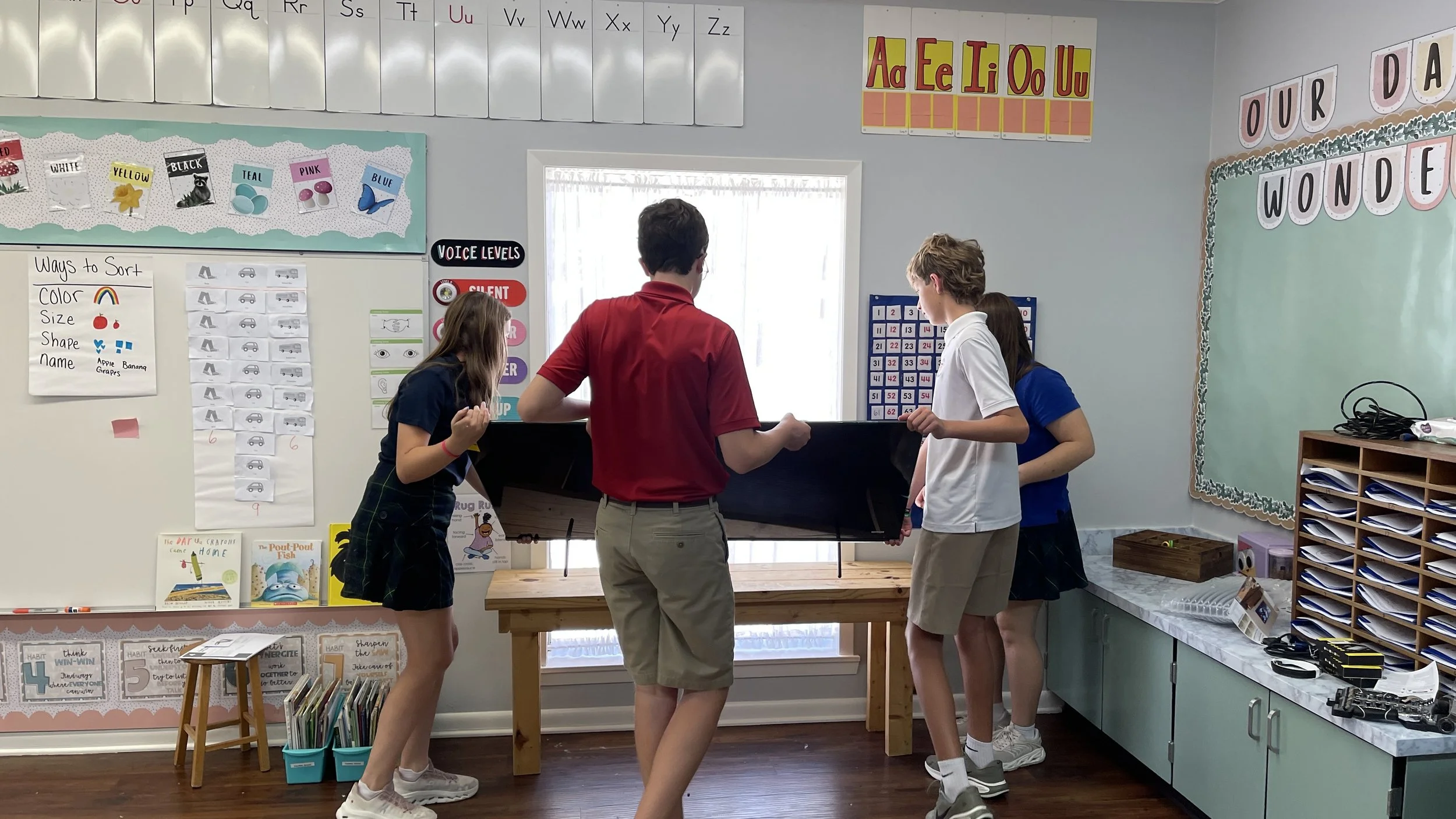
Our 8th graders stepped into leadership roles as Techsperts, the campus’s go‑to student tech support team. During Week 1, they began training in:
Troubleshooting basics — Wi‑Fi issues, login errors, device resets
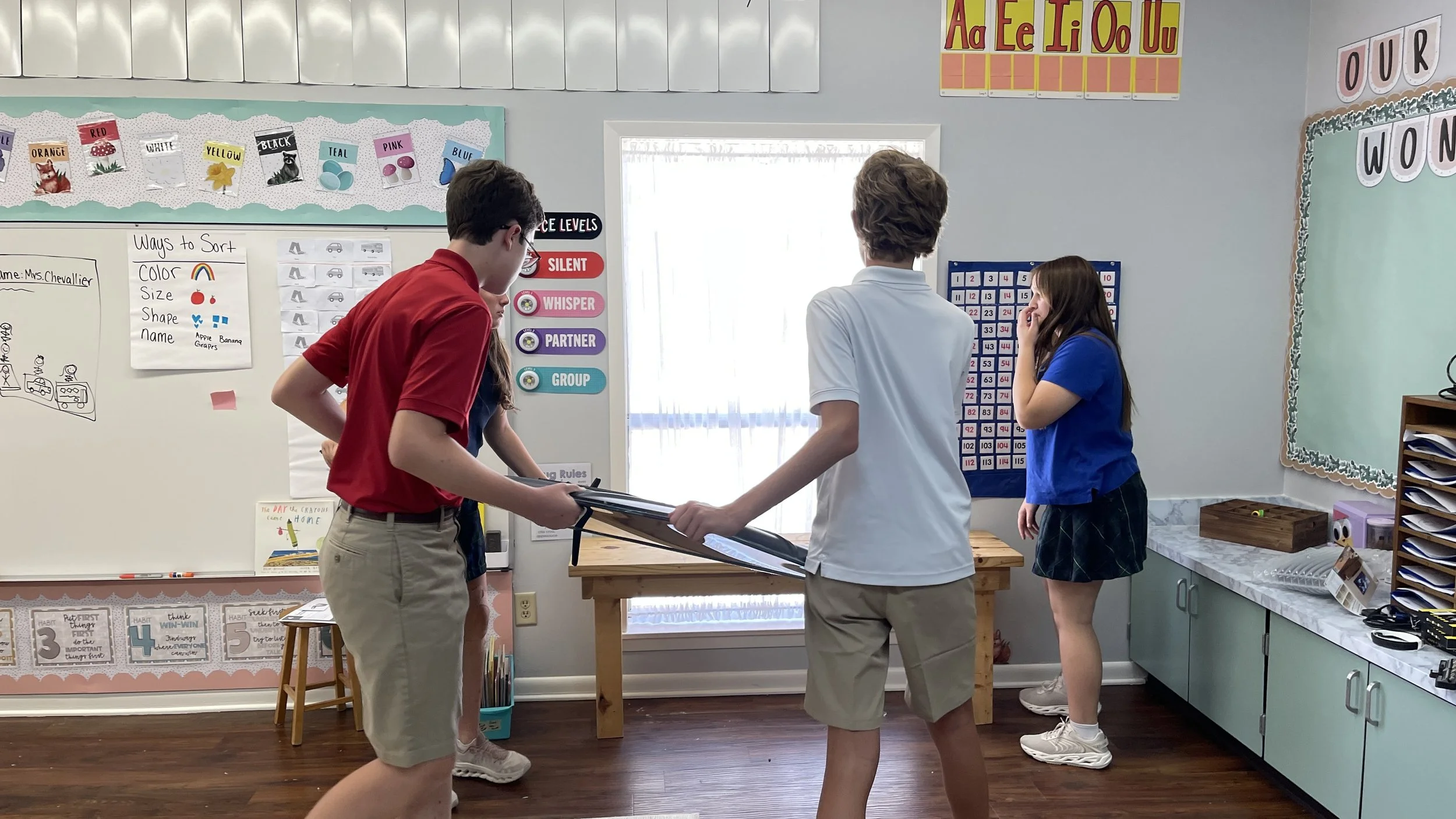
Classroom tech setup — projectors, screens, audio, and presentation tools
Help desk communication — clear, respectful, solution‑focused interactions
Digital leadership — modeling safe, responsible tech use
These students will support teachers and staff throughout the year, gaining real‑world experience in customer service, problem‑solving, and technical confidence.